Watch it work
Watch a film’s scenes get checked.
See how we find the scenes in a film that may scare or upset a child.
How it works
- Pick a filmChoose any film from the list below.
- Watch Jev check itJev, a small, fast AI, checks every scene live. It takes about half a minute.
- See what to knowThe scenes that may upset a child, when they happen, and why each one is listed.
Behind the scenes
Prepared earlier
Sonnet, a larger AI, already read the subtitles, cast list and plot. It divided the film into scenes, wrote descriptions and answered questions about meaning, such as death or grief. Those results are reused here.
What Jev doesLive, while you watch
- Checks every scene for danger and fearA long list of yes-or-no questions per scene, like “Is a character in danger?”
- Checks where scenes changeIs each break between two scenes a real change of place or time?
- Checks the scene descriptionsWhether the subtitle lines each sentence cites support it.
Then · rules pick the scenes
Rules use Jev’s answers and Sonnet’s earlier answers to choose the scenes and their strength ratings.
Pick a film
Sonnet has already prepared these films for checking.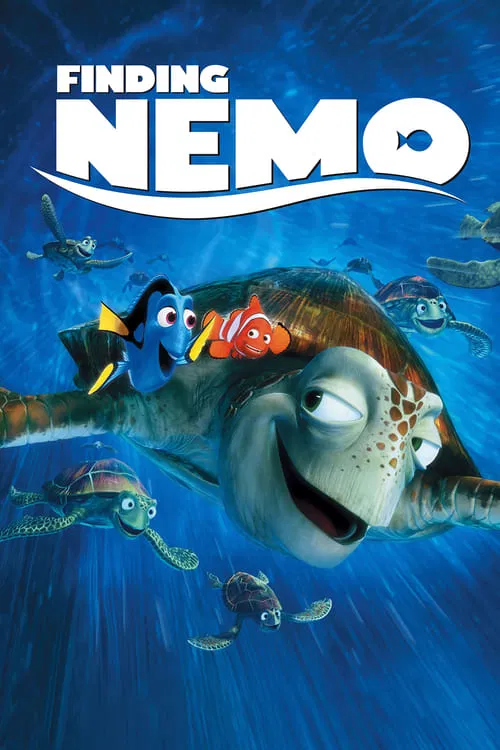 Finding Nemo2003In the library53 scenes to check
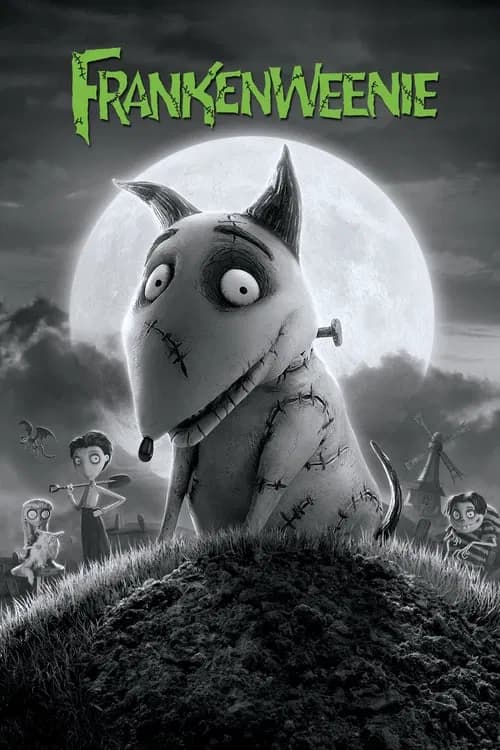 Frankenweenie2012In the library40 scenes to check
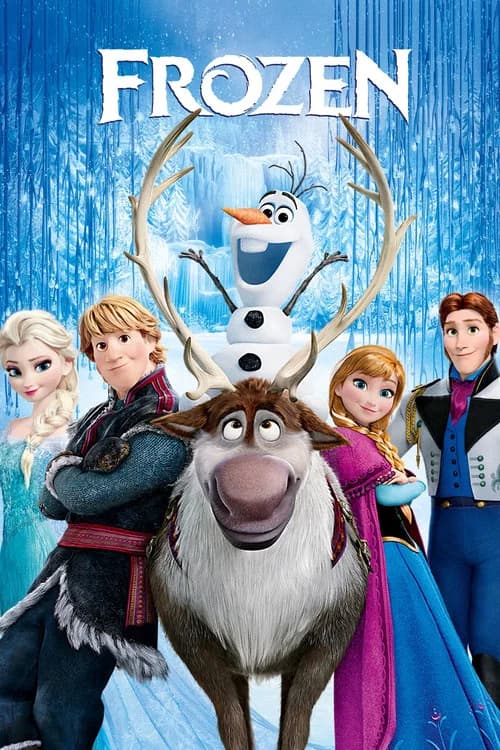 Frozen2013In the library74 scenes to check
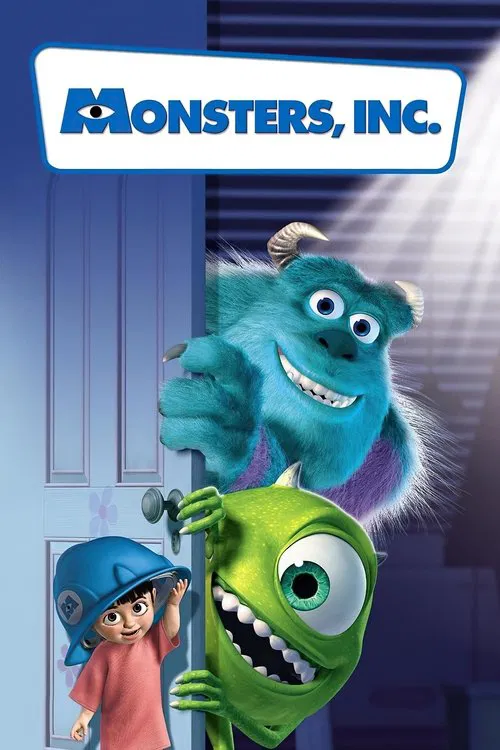 Monsters, Inc.2001In the library52 scenes to check
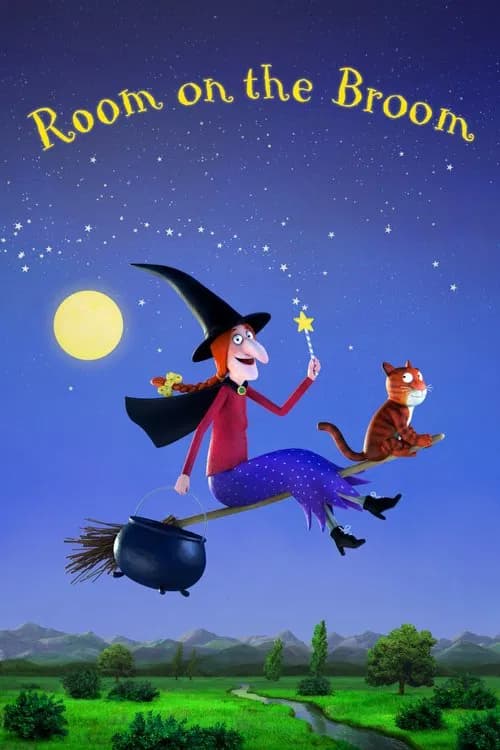 Room on the Broom2012In the library23 scenes to check
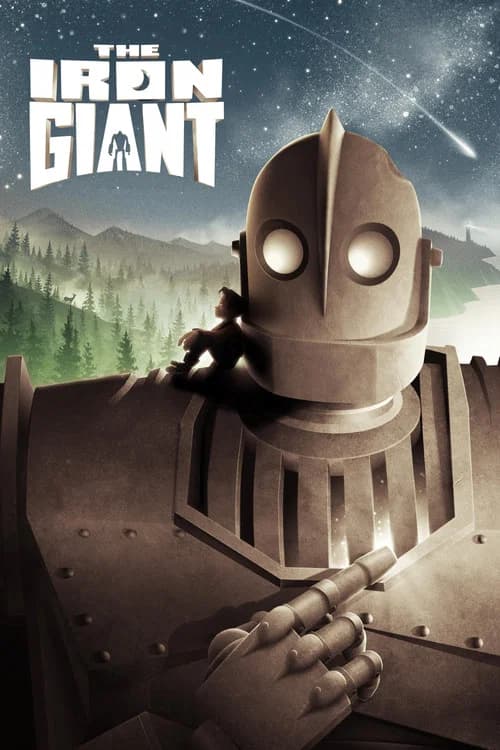 The Iron Giant1999In the library36 scenes to check
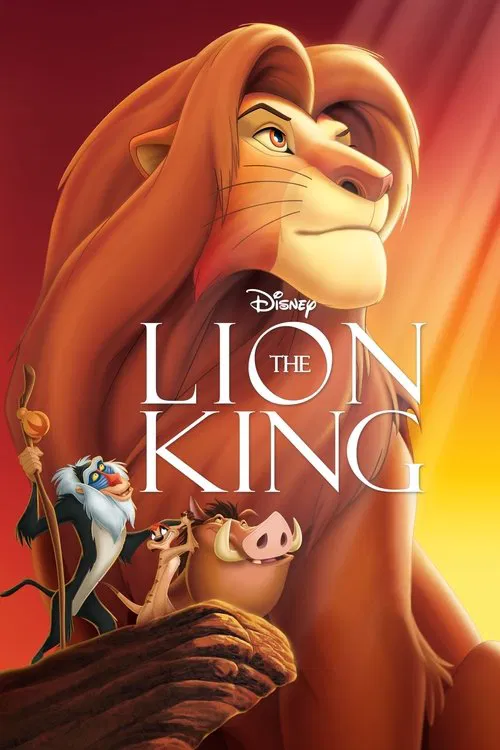 The Lion King1994In the library55 scenes to check
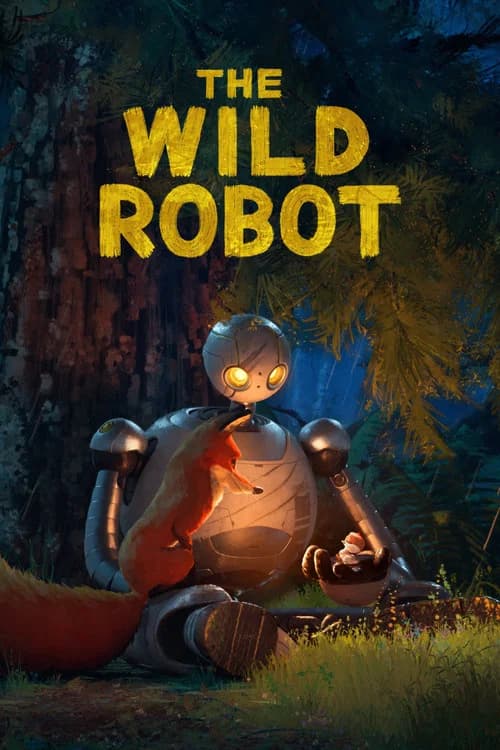 The Wild Robot2024In the library46 scenes to check
Today’s demo AI spending: $0.16 of the $2.00 daily budget.
These live checks are also used to build our film guides. Running them here leaves the saved guide unchanged. The AI reads the subtitles, cast list and plot; it does not watch the film. Some moments may be missed.